Learn how to create dynamic, engaging practice questions on BlitzGrok
BlitzGrok's most powerful feature is dynamic question generation. Instead of creating individual static questions, you create question templates with variables that generate unique questions each time.
BlitzGrok supports three question types. Choose the right type based on what you want to evaluate, then follow the creation steps below.
Students select from predefined answer choices. Each option is an expression that evaluates to correct or incorrect.
Students respond with multi-line text. Manually graded by default, or AI-graded when you add a reference answer and enable Allow automatic AI grading (list column: AI graded).
The most flexible type. Uses variables and expressions for computable answers like math, fill-in-the-blank, and short text.
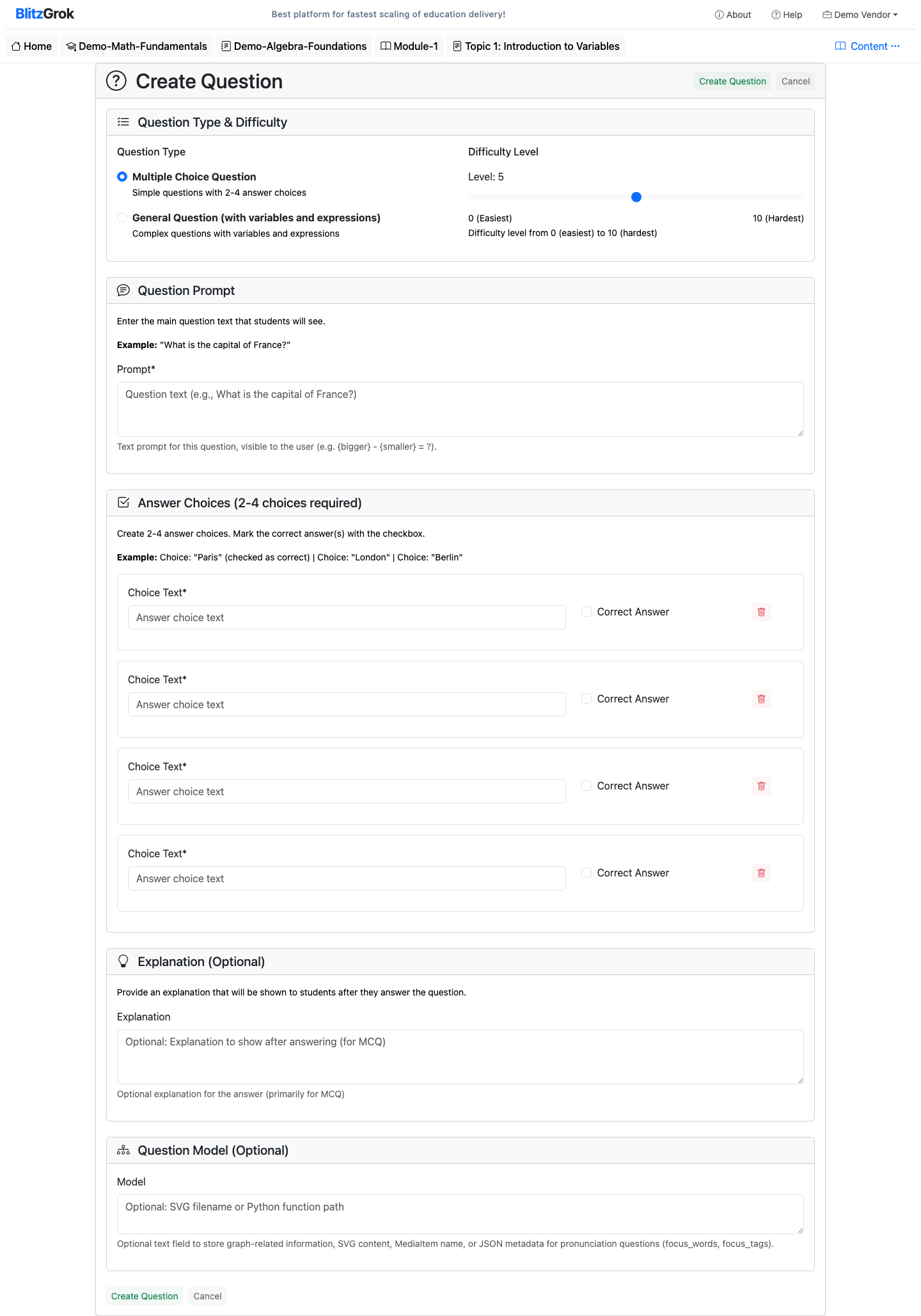
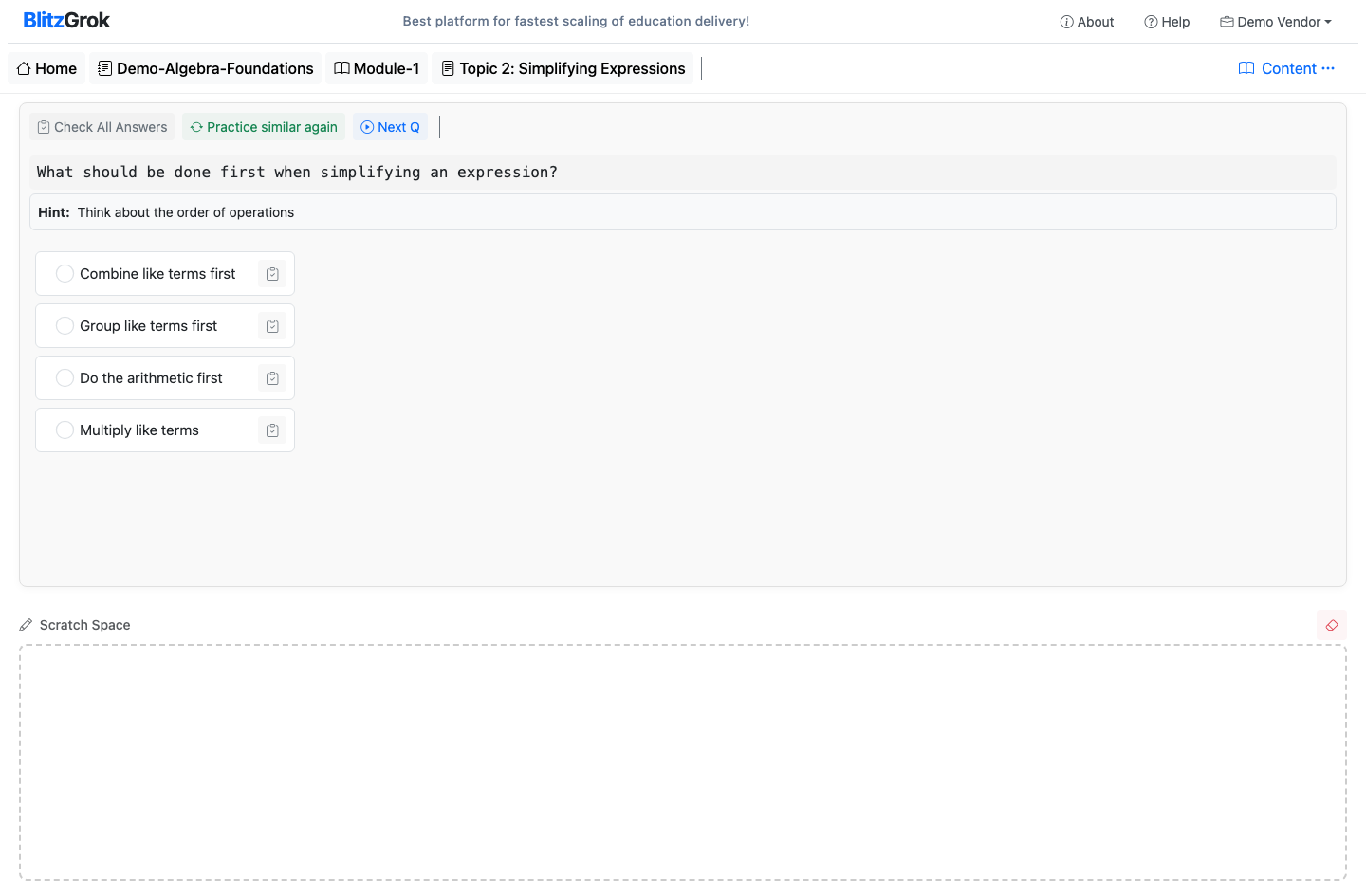
Fill-in-the-blank questions are built using the General Question type. Use string literals ('Paris', '1789') as answer expressions for fixed questions, or use choice() with a dictionary for dynamic item pools.
Use the Long Answer type with a reference answer and Allow automatic AI grading enabled for AI comparison grading. Set a word limit, paste your ideal answer, check the opt-in, and learners receive automatic feedback in practice and auto-scored marks in assessments.
Full Auto-Graded Essay GuideAll question types follow the same core workflow: define variables and constraints, write a prompt, then specify answers.
Variables make your questions dynamic. Each variable has:
x, speed)randint(1, 10))Available: randint(a, b), choice([items]), uniform(a, b), round(x)
Constraints filter out invalid variable combinations.
The question text shown to students. Use {variable_name} to insert values.
With x=3, y=5, student sees: "What is 3 + 5?"
Specify the correct answer(s) using Python expressions.
answerx + ystr(round(result, 2))
'True' — correct'False' — incorrectstr(x > 5) — conditional
Answers are Python expressions evaluated in the variable context.
Goal: Create a simple addition question
x = randint(1, 10)y = randint(1, 10)answer = x + y
answer <= 15
Keep answers reasonable
What is {x} + {y}?
answer
We're here to help