Create a curriculum and organize your courses
BlitzGrok organizes content in a clear hierarchy:
The top-level container for your complete learning path
Example: "Algebra 1", "Introduction to Python"
Major sections that group related modules
Focused topics within a course
Specific concepts with practice questions
Individual practice problems
A curriculum is more than a folder — it creates a packaged learning path with unified pricing, discovery, and progression.
Set one price for the entire curriculum. Learners pay once and get access to all bundled courses.
Courses appear in order. Learners progress sequentially, building skills from foundational to advanced.
Learners see their overall curriculum mastery. Streaks and daily goals track across all courses.
Curriculums appear prominently on the platform. A well-named curriculum attracts more learners.
From the Instructor panel, click "Create New Curriculum".
Use clear, searchable names that students will recognize.
Once your curriculum is created, add or select courses to organize major sections.
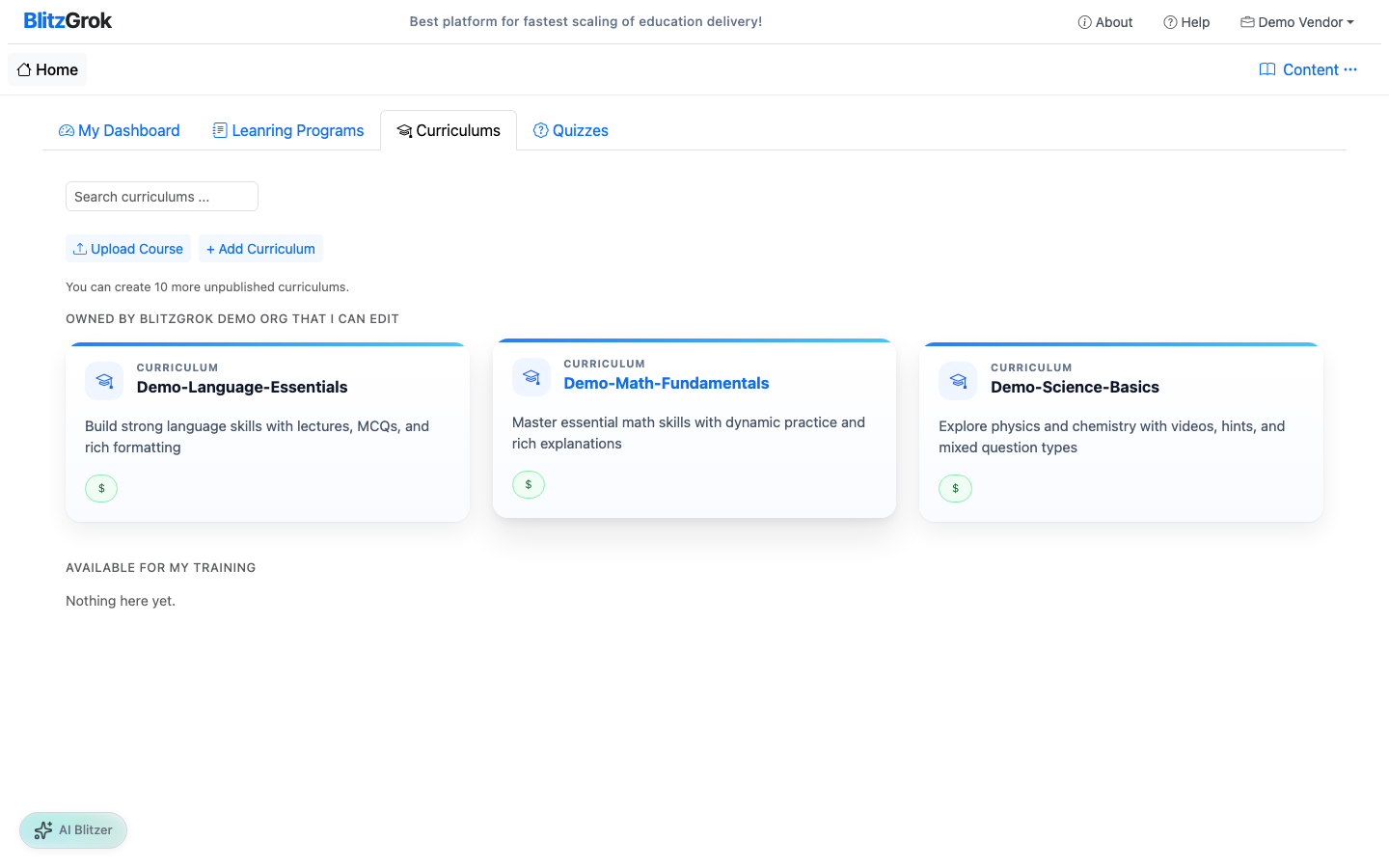
Keep courses broad — 5-10 courses per curriculum is typical.
Easily reorganize courses, modules, and topics by dragging
View your content as students will see it
Deleting a course removes all its modules, topics, and questions
Only you can edit your curriculum (unless you grant access)
We're here to assist